17 Fit Move your diary Yazio
From Yazio to 17 Fit
Your days with calories and macros come over in a few minutes: export a file from Yazio, open it in 17 Fit, and the format is recognised by itself.
1
In Yazio
- In Yazio: Profile → Settings → Export data.
- Confirm the request — a .zip archive arrives by email.
- Save the archive on your phone as it is, without unpacking it.
2
In 17 Fit
- Open Profile → Settings → Data → “Import from other apps”.
- Pick the file you saved: CSV, TXT or the ZIP archive.
- Check the days, and turn on “Replace days that already exist” if you want to overwrite days you’ve already logged.
- Import: the days appear in your diary.
What comes over
- Days with calories, protein, fat and carbs
- Meals: breakfast, lunch, dinner and snacks
- Energy in kilojoules, converted to kcal
- Every food with its weight in grams
What stays behind
- Body weight, workouts and water
- Vitamins and minerals
Questions and answers
Do I need a paid account in Yazio?
The export in Yazio’s settings is a request for your data: confirm it and a ZIP archive arrives by email. 17 Fit opens the archive as it is.
What happens to days I’ve already logged in 17 Fit?
They’re skipped, and their entries stay as they are. Turn on “Replace days that already exist” to overwrite them with the days from the file.
The file won’t open. What now?
17 Fit reads CSV, TXT and ZIP. If it’s a table the app doesn’t recognise, it shows you the columns and you pick which is which.
Will my weight and workouts come over?
No: only food — days, meals, calories and macros. Weight is quick to add again in the app.
17 Fit
A new diary, without starting from zero
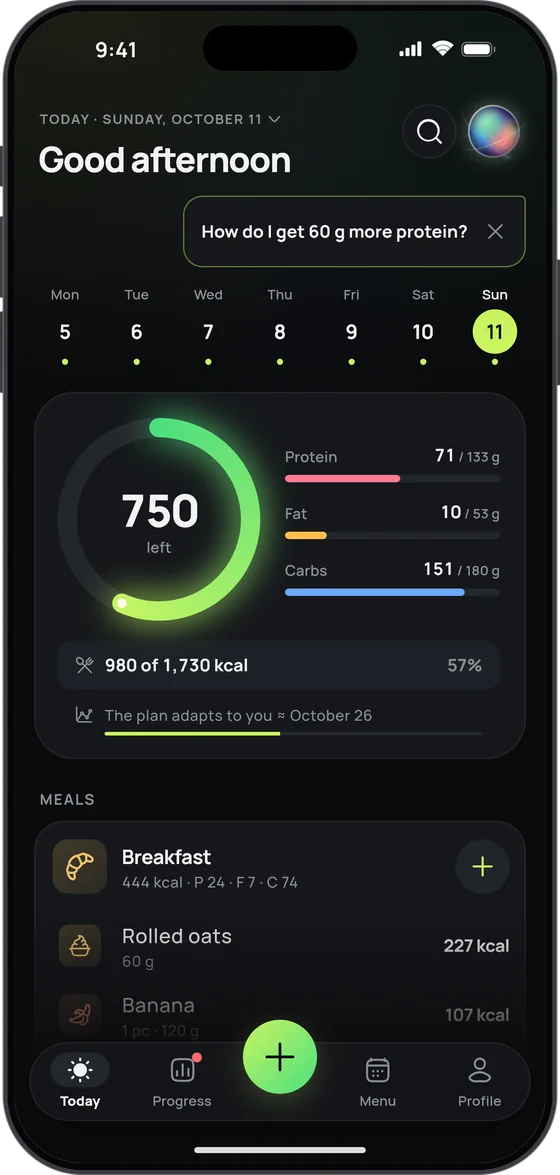
Your old days come along, and the new ones are faster: snap your plate or say what you ate.
- MyFitnessPal, FatSecret, Yazio or any CSV
- Calories and macros from a photo of your plate
- Free food diary, no sign-up and no ads

Yazio is a trademark of its owner. 17 Fit is not affiliated with it.
Tools
- Calorie calculator Daily calories for weight loss, maintenance or muscle, with macros.
- Protein calculator How much protein you need a day, per meal and in real food.
- BMI calculator Body mass index and the healthy weight range for your height.
- Intermittent fasting Your eating window for 16:8, 18:6 and other schedules.